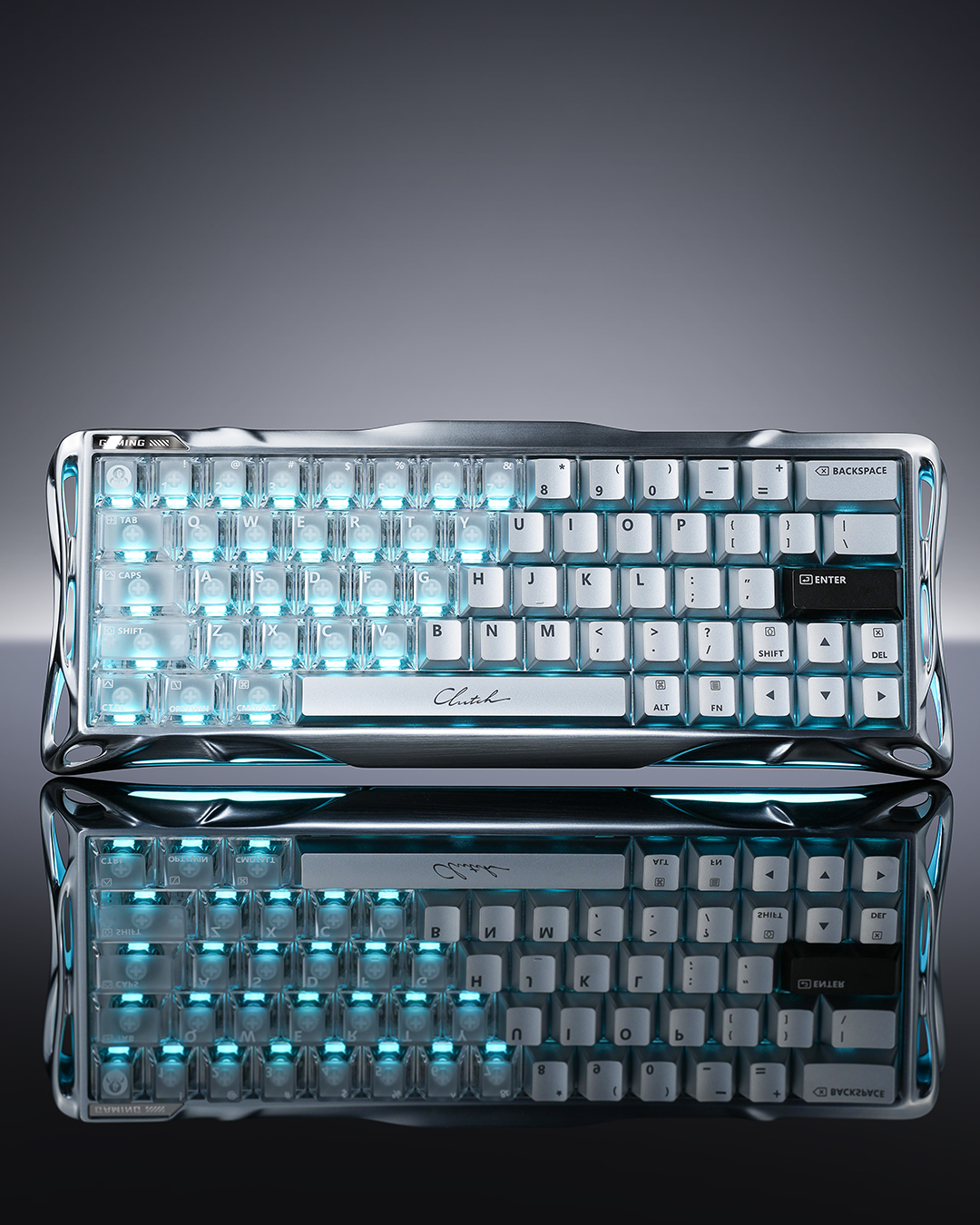
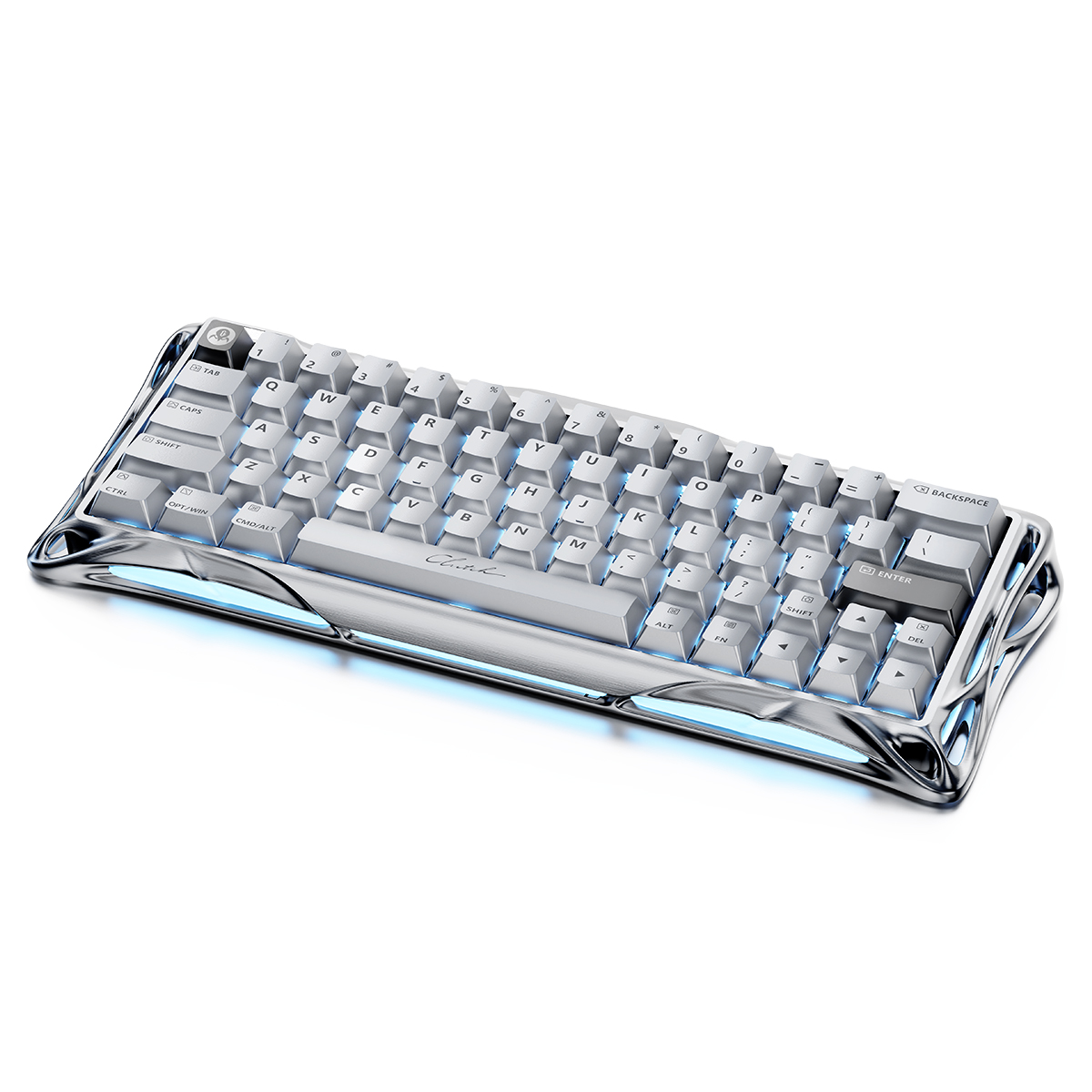
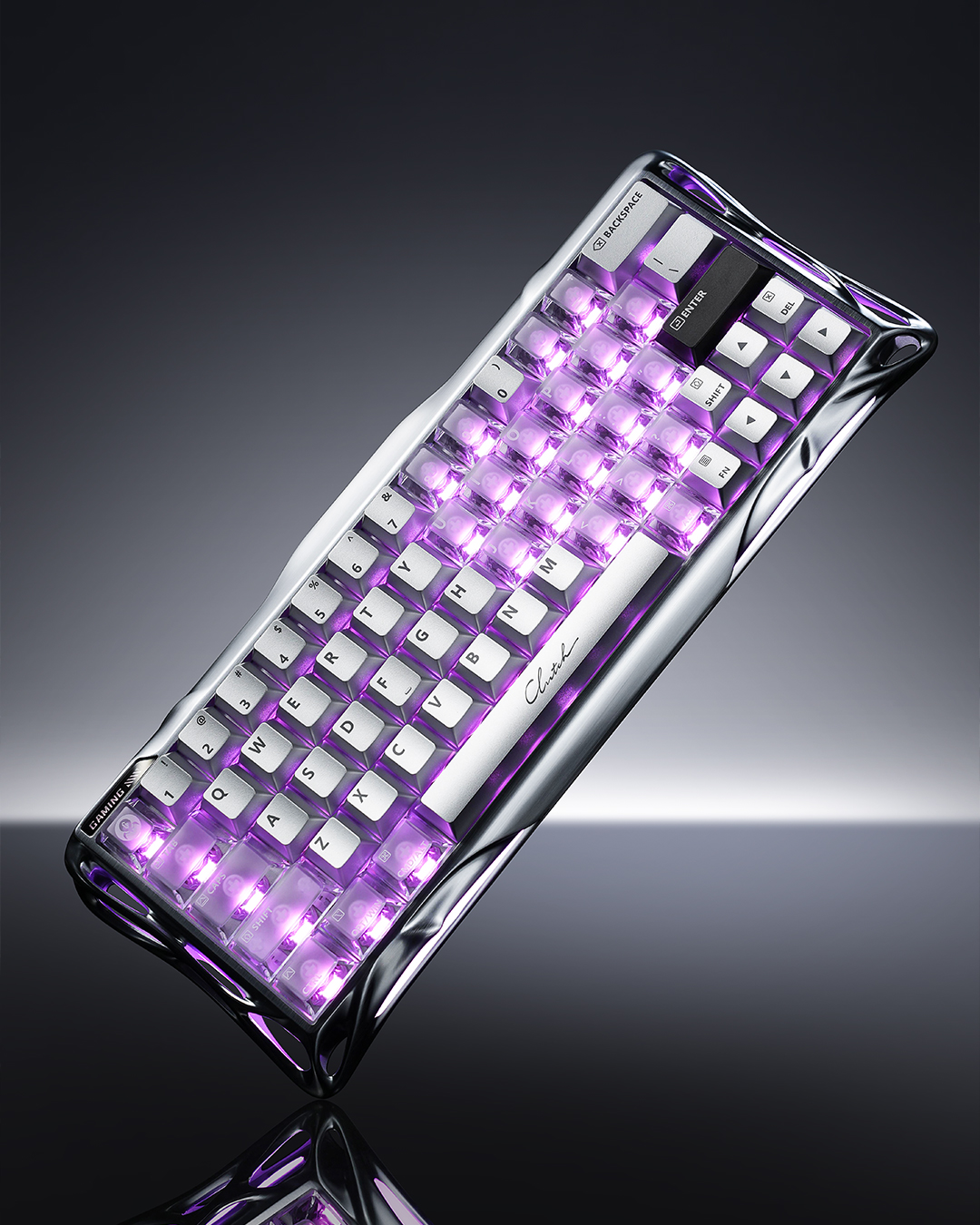
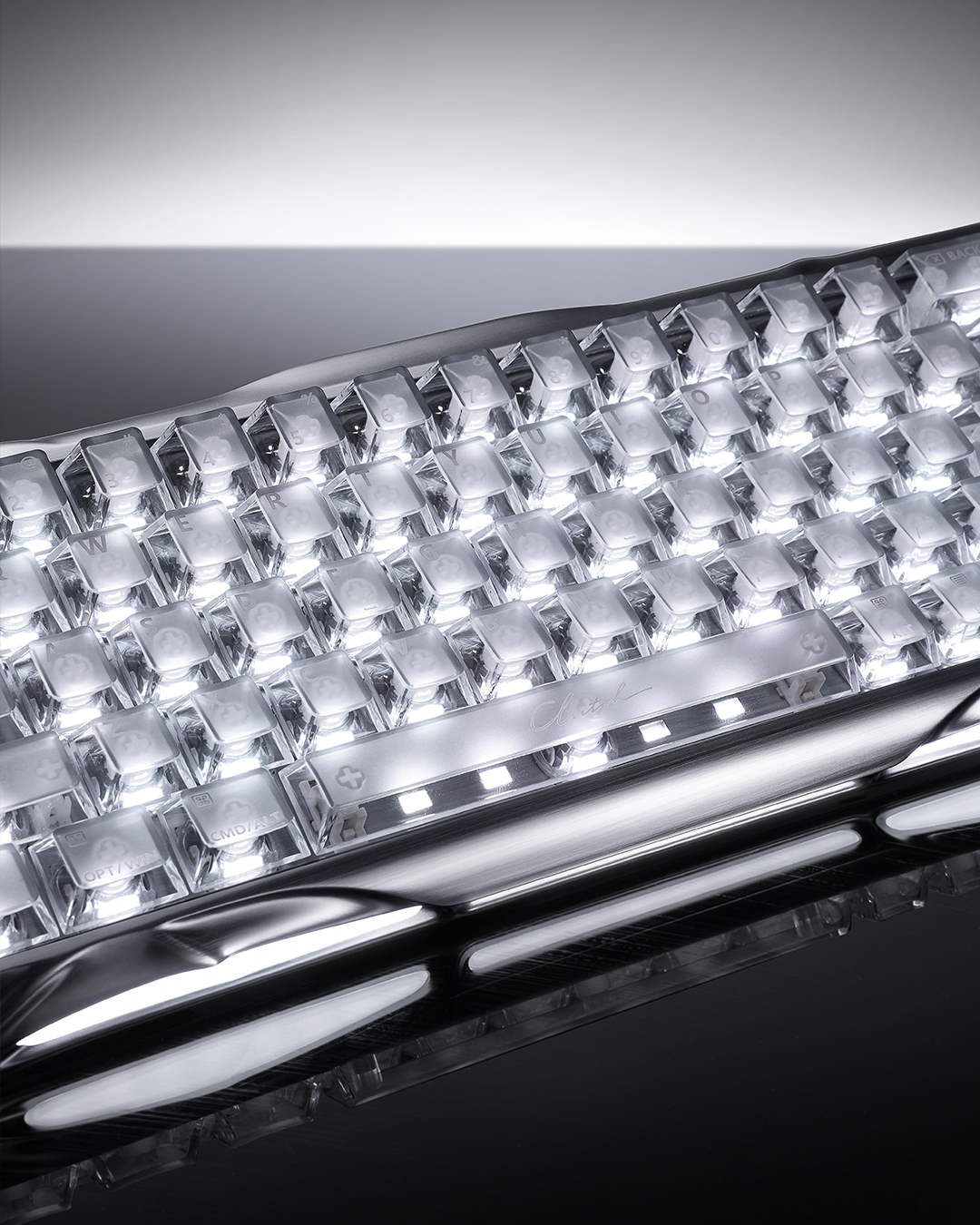
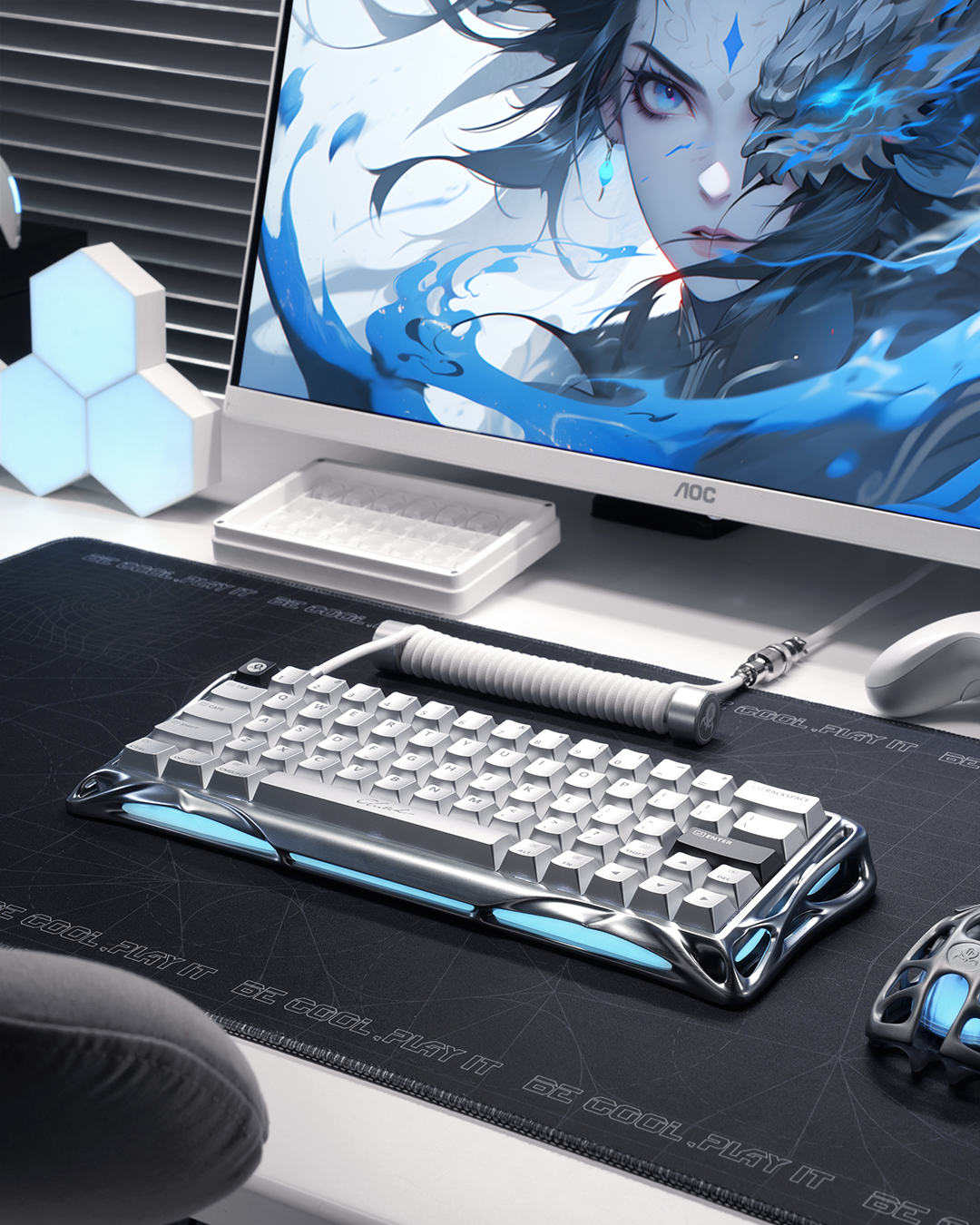
When I first saw images of the Mercury V60 HE Magnetic Switch Gaming Keyboard, a part of me did worry if they were CGI because of how unreal it looks. GravaStar sure know how to make a first impression in that regard with an entire range of sci-fi peripherals looking like something from the future.
We’ve spent a few weeks with the keyboard, and it’s undeniable just how premium a hardware piece the Mercury V60 Pro is in setup. Not only does it look insane, but it backs that up with some rad specs even if a smaller keyboard might not be a fit for everyone. It retails for a lofty $399 AUD, though in gaming keyboards taking into account the specs alongside design this seems about right.
The GravaStar Mercury V60 Pro feels luxurious even before you get it out of the box. Removing the slip case packaging, you’re presented with an elegant black box that commands attention, and that’s only the beginning. Once inside though, you realise this is a keyboard that deserves such presentation. It includes the keyboard, a USB Type-A-to-Type-C Cable, one extra set of keyboard keys, four extra magnetic gaming switches as well as a keycap puller, switch puller, cleaning brush, cleaning cloth, brand card and a sticker. I will say the inclusion of the branded GravaStar cleaning brush was a great touch, specifically aimed at improving upkeep of the keyboard.
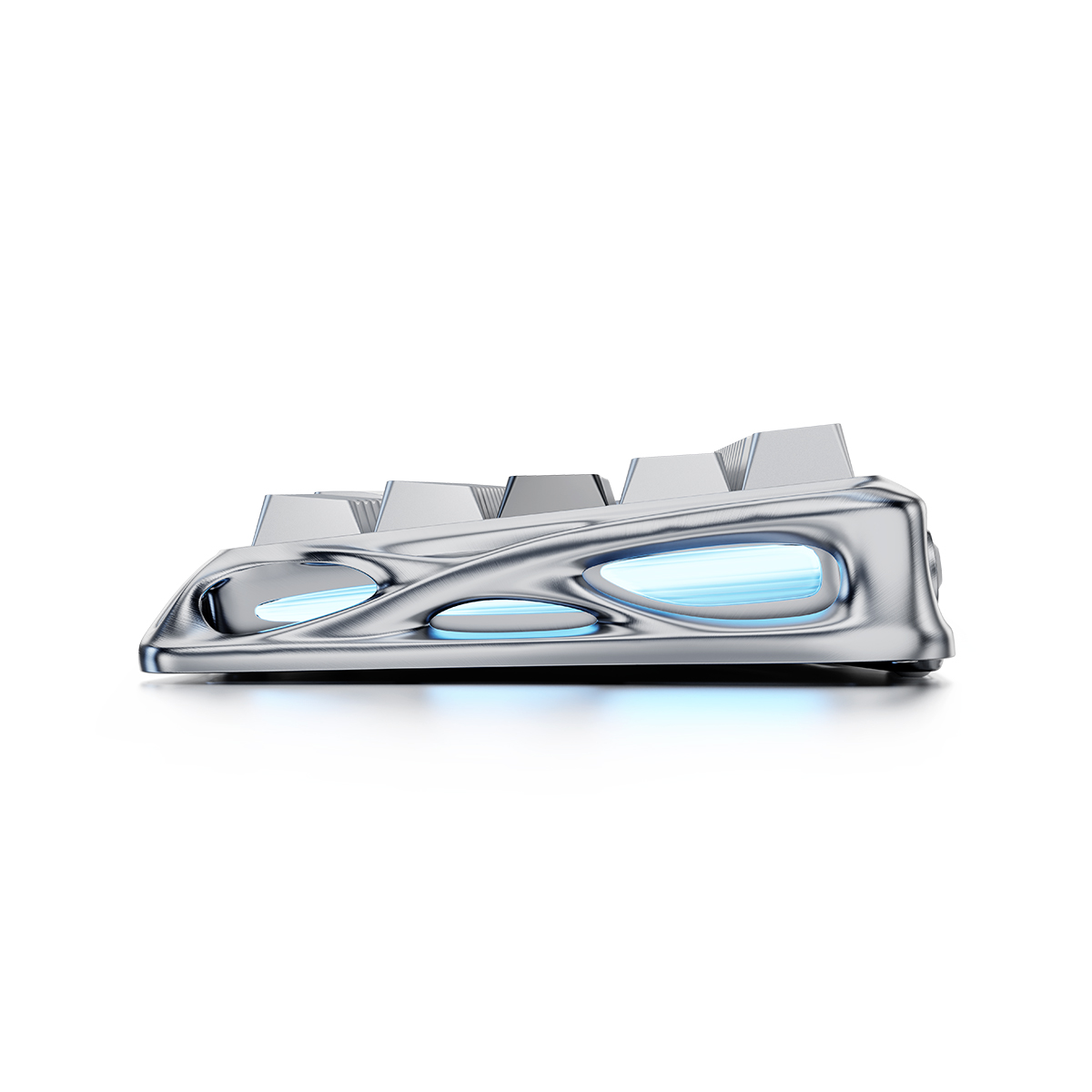
Even as a smaller 60% keyboard, it’s a heavy unit. Where other keyboards feel lighter and move around on the desk, this one holds its own and for good reason. The keyboard is housed within a metal frame body. While the footprint on your desk is still fairly minimal, it does feature outward edges that give it a really sturdy feeling when you use it. That aluminium frame stands out past typical keyboard frames as well. Where you’d expect keyboards to push towards that minimal design, the V60 HE Pro wants to make a statement and show off.
Set up is a breeze as one would hope. Plug in via a USB Type-A-to-Type-C Cable, and you’re ready to roll. Should you wish to customise the keyboard however, you’ll be surprised to note that there is no installation of a program is necessary. The V60 Pro uses a Web-Based Driver meaning there’s no need to add yet another program to your PC. The downside here is that any deeper customisations must be done with an internet connection. I can see the reasons for and against, given how infrequently I touch my own keyboard configuration program. Configuring the keyboard at least feels responsive with actuation and other settings all available via the web-driver.
GravaStar Mercury V60 Pro Technical Specifications:
Controller Mapping: Every key captures press depth for precise throttle, brake, and steering simulation.
True 8kHz Polling Rate: Boasts an 8000Hz USB polling rate paired with 256kHz key-position scanning, reducing latency to a near-instantaneous 0.125ms.
GravaStar UFO Magnetic Gaming Switch: Engineered for 0.005mm precision with adjustable trigger depth (0.005mm–3.5mm) to eliminate lag and enhance control.
Adjustable Actuation Point: Customizable trigger depth (0.005mm increments, 0.005mm–3.5mm) to suit playstyles—shallow for fast combos, deep for precise inputs.
Dynamic Rapid Trigger: Dynamically adjusts activation/deactivation points based on key travel (not preset limits), enabling fluid rapid-fire key repeats.
Last Keystroke Prioritisation (LKP) + Snap Click: Prioritises the last-pressed key for smooth directional changes; resolves simultaneous presses by favouring deeper inputs.
Rapid Trigger Mode: Eliminates key “stiction” with instant reset on upward travel, enabling faster re-presses and input switching.
Aluminium Construction: Sturdy aluminium frame (for durability).
Hot-Swappable Design: Allows switch swapping (no soldering) with magnetic Hall Effect switches; compatible with select TTC and Gateron models.
5-Layer Acoustic Foam: Minimises keystroke vibrations for crisper sound and smoother typing feel.
16 Modes, Dual Systems, Multi-Zone RGB Lighting: Customizable 16 dynamic modes, dual-zone control (keys + ambient side lights), and adjustable hue/saturation/brightness.
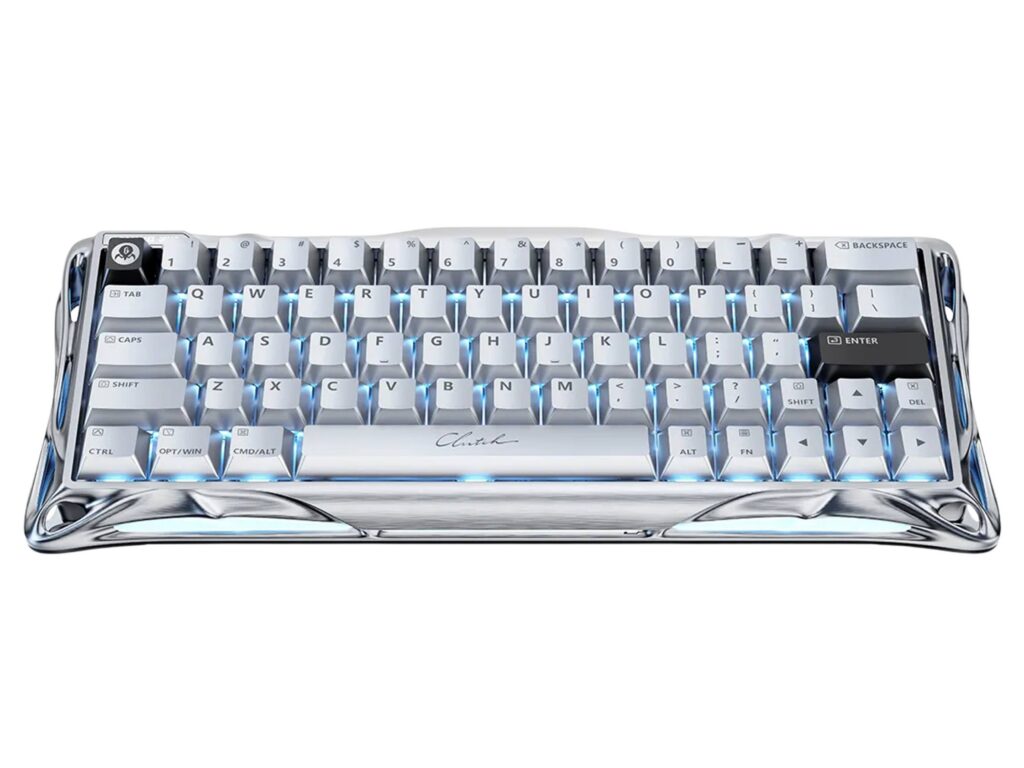
Gaming on the Mercury V60 Pro it’s impossible to deny just how tuned it is to that play experience as much as design. That heavier feeling means when you’re in a more tense gaming situation, it’s sturdy and ready for anything!
The magnetic hall effect key switches are the star of the show, giving that smooth yet supported feeling when engaged. Allowing for actuation points to be adjusted to suit quicker inputs for that reduced delay means you can fine-tune how the keyboard reacts to you.
Controller mapping backs this up supremely, with every key capturing press depth and rapid trigger being able to detect key resets for a faster re-press. The dynamic rapid trigger tech also adjusts those activation/deactivation depths as you use the keyboard.
Latency is further minimised thanks to the 8000Hz polling rate matched with 256kHz key position scanning. And if you’re like me and get lost in the numbers, this means the Mercury V60 Pro tells your PC what it’s doing 8000 times a second. The keyboard then checks its key positions 256,000 times a second. It’s this tech combined with the hall effect key switches, rapid trigger and adjustable articulation that leads to those enhanced inputs feeling like a dream on the Mercury V60 Pro.